Skip to content
DevUzDevUz Studio

// a job search website in Tashkent

Job Search Website in Tashkent: A Teardown of Five Weak Spots

We are taking apart a job search website in Tashkent. It serves two audiences at once: a candidate looks for a vacancy and wants a quick reply, while an employer looks for staff and decides whether a listing is worth paying for. Both sides need the same thing: to understand what is on offer, what it costs, and how to reach a real person.

We ran the site through a technical audit. The overall score came out at 34, even though the server responds quickly: time to first byte is 169 ms. So the problem is not speed and not hosting. The problem is that the site does not lead a visitor to make contact: it gives no phone number, no messenger button, and no price.

We look at exactly this because, for a job search service, a lost inquiry is especially expensive: a candidate will not wait and will open the next site, and an employer who cannot find the terms will not email to ask for them.

As it is

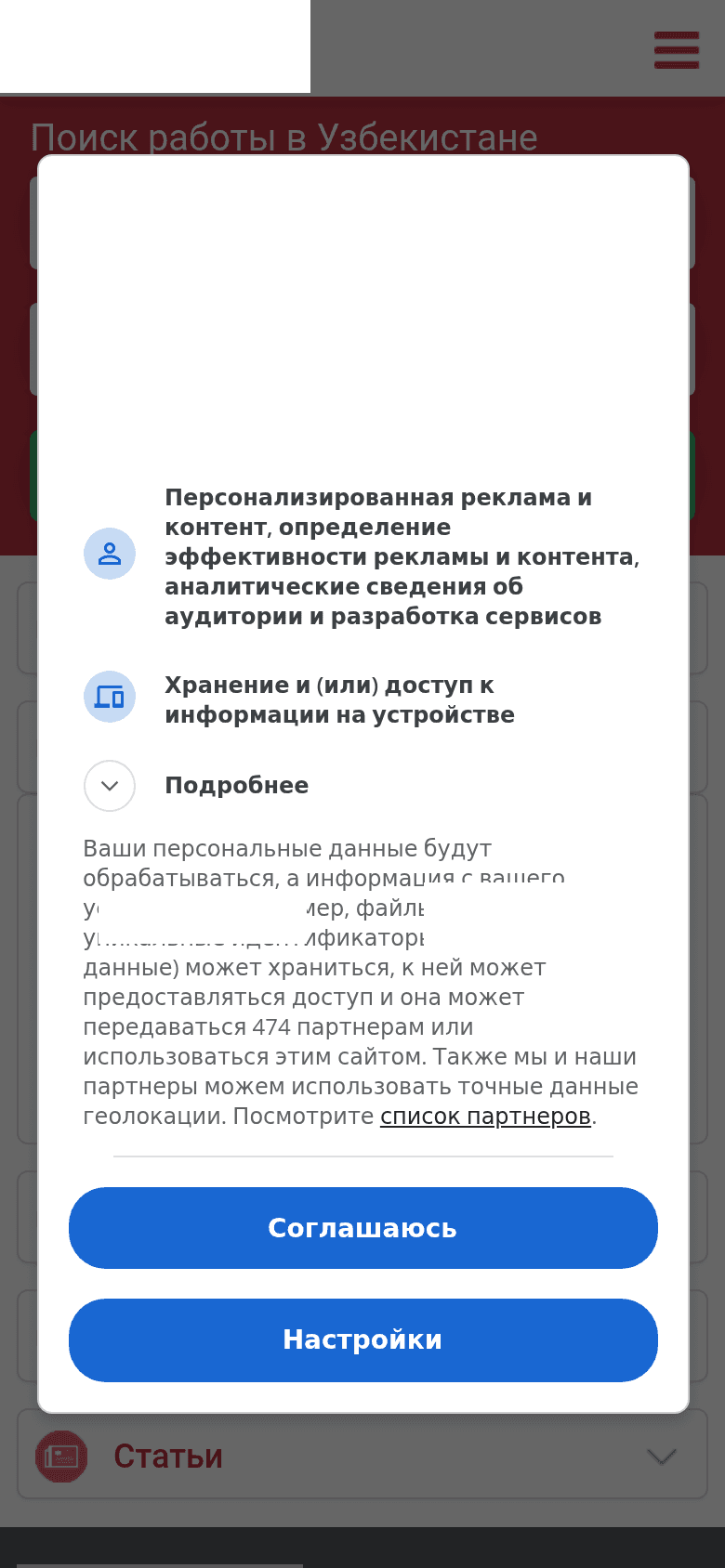
As it is: a job search website in TashkentAs it is: a job search website in Tashkent — 390px

Screenshot taken 13.11.2026

What stops it from selling

An employer wants to call about posting a vacancy, but there is no phone number on the site

What it costs the business. A manager or HR person who has already decided to post a vacancy and wants to clarify details by voice cannot find a phone number. They do not write an email or fill in a form. They go back to search and call a competing service. For those who pay for listings, this is the most expensive loss.

What we do. We put the number in the header on every page and make it tappable, so a call starts with one touch from a phone. This takes about an hour.
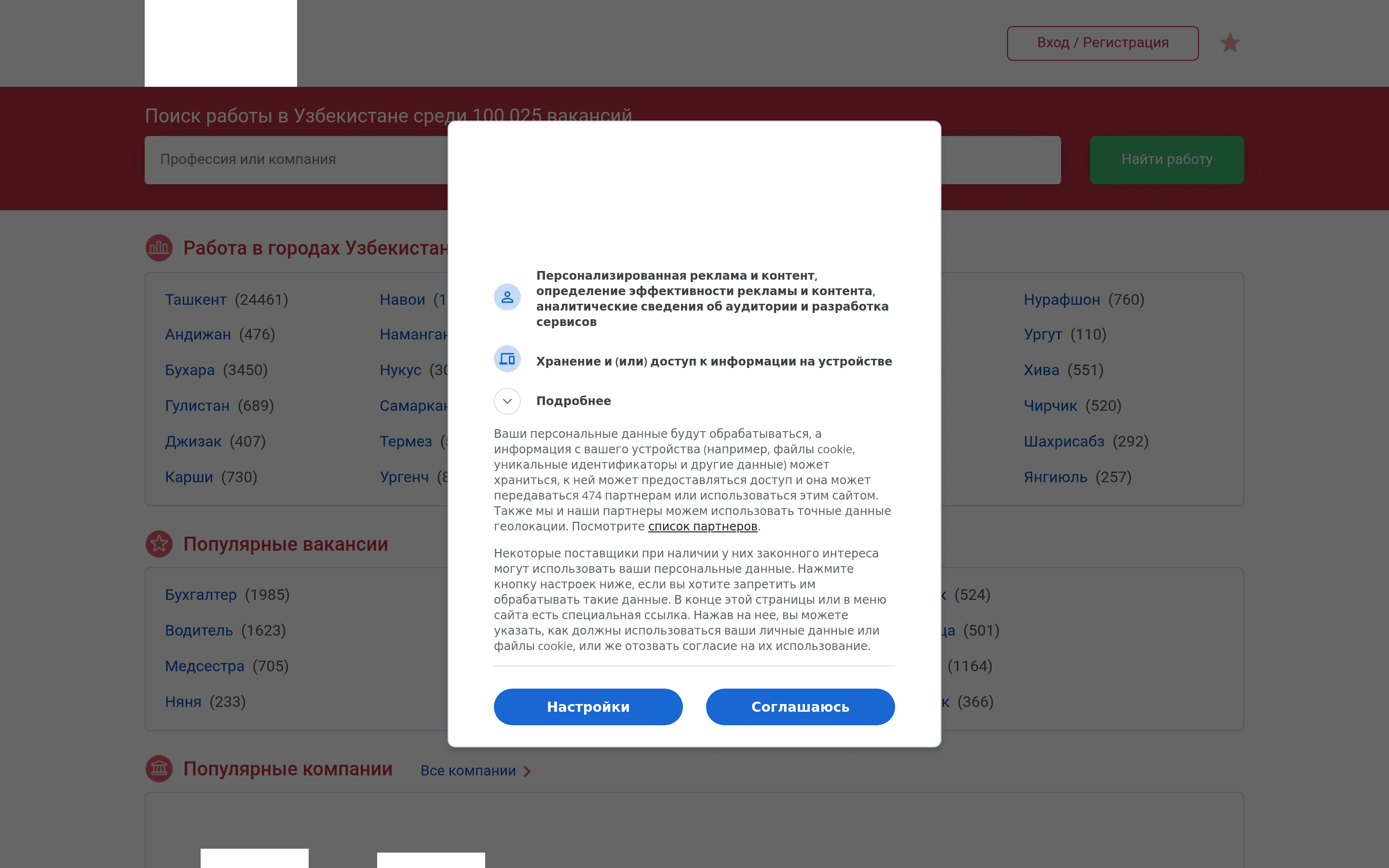
The first screen: no phone number: An employer wants to call about posting a vacancy, but there is no phone number on the site
The first screen: no phone number

There is no way to message on Telegram or WhatsApp from the site

What it costs the business. Candidates in Tashkent mostly browse from their phones, and it is easier for them to send a question in a messenger in the evening or on a weekend than to call. Without a button, these inquiries simply never happen, and they do not show up in your statistics: you do not know how many people left without ever asking.

What we do. We add a Telegram and WhatsApp button to the header and a floating button for mobile, with a pre-filled first message such as "Hello, I would like to post a vacancy." A few hours of work.

The first screen: no Telegram or WhatsApp buttons: There is no way to message on Telegram or WhatsApp from the site
The first screen: no Telegram or WhatsApp buttons

An employer cannot see how much posting a vacancy costs

What it costs the business. "How much does it cost" is the employer's first question, and the site does not answer it. Some people will write and ask, but most will close the tab and go where the price is stated: silence about price reads as "expensive" or "they will haggle."

What we do. We add a "from and to" range for the main plans and explain what drives the final figure: listing duration, number of vacancies, and highlighting in the list. A range does not oblige you to sell at the lower bound, but it filters out those who could not afford it anyway. One to two days including the copy.

The first screen: no prices: An employer cannot see how much posting a vacancy costs
The first screen: no prices

Search engines do not know about all the pages on the site: vacancies and sections may not be found

What it costs the business. A job search service has many pages: categories, cities, individual vacancies. Without a sitemap, a search robot reaches pages with no direct links from the home page only after months, or not at all. For a site like this, that means some vacancies simply do not exist for search.

What we do. We set up a sitemap that updates itself when new pages and vacancies appear, reference it in robots.txt, and submit it to Search Console. A few hours.

In search results the site looks like a bare link

What it costs the business. Neighboring sites show an address, opening hours, and extra lines in search results, while here there is only a title and a link. The listing looks poorer, and people click on it less often even at the same position.

What we do. We mark up the organization, address, opening hours, and services the way Google reads them. About half a day of work, after which extra lines may appear in the results.

What this gives

An employer who has decided to post a vacancy finds a phone number or messenger button and gets in touch right away instead of going to competitors.

The question of price is settled on the page itself, so the people who reach a conversation are those whose budget fits the terms.

Evening and weekend messenger messages stop getting lost and become inquiries you can count.

New vacancies and sections reach the search index faster, and the listing in search results looks no worse than its neighbors.

What this costs

Out of every hundred people who reach the site ready to get in touch, roughly 44–71 are lost at these points.

This is an estimate based on our own stated assumptions, not a measurement of someone else's analytics: we do not know this site's traffic and do not make it up. We count per hundred visitors, and the share of every item is open in our code.

Price and timeline

from $1000, 3-8 weeks

Order a website for a business like this →

We do not name the company or link to it. This is about typical mistakes, not specific people; the name and logo on the screenshot are covered.

Want the same teardown of your own website?

Check my website